
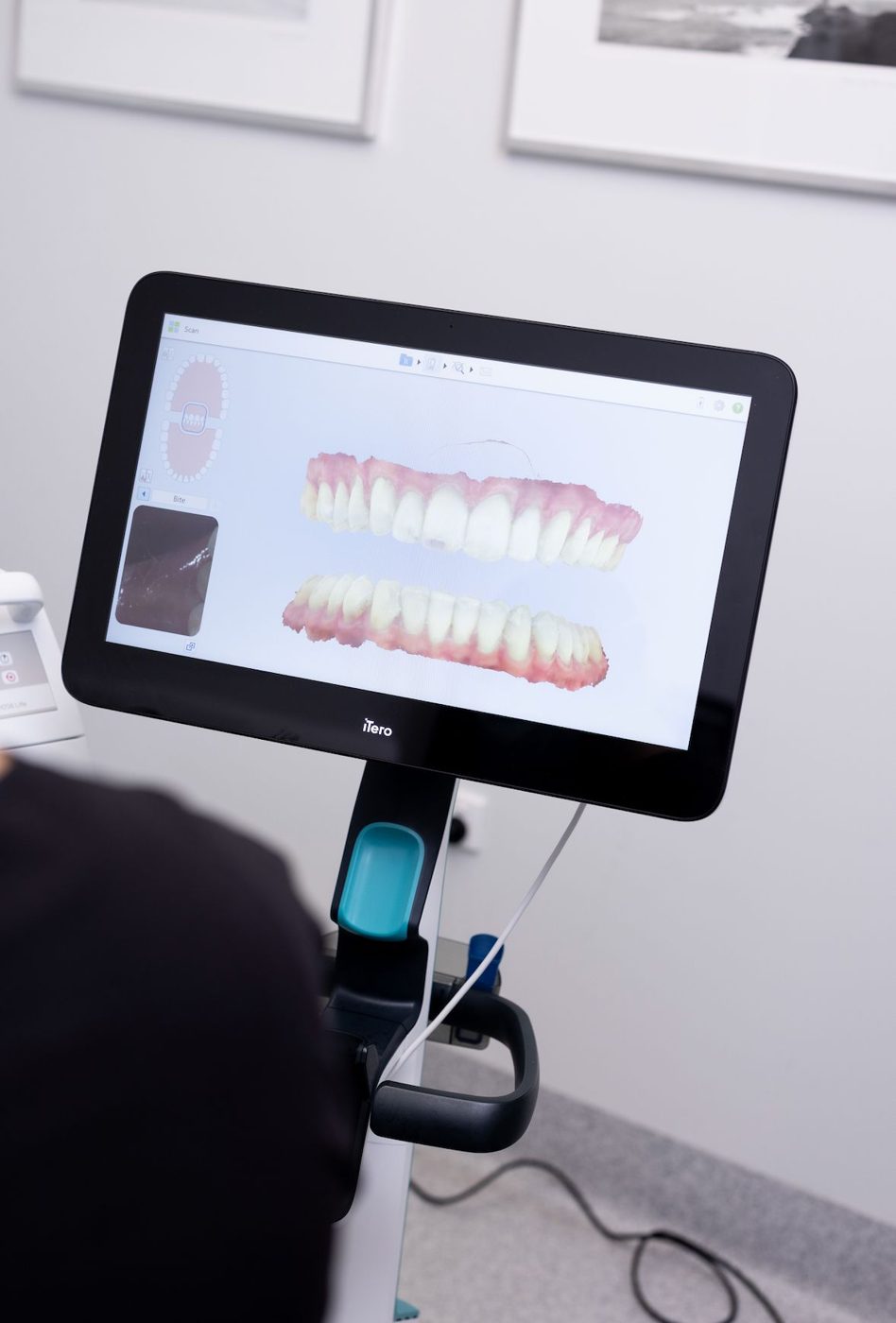
What is a simulation?
A simulation is a digital preview showing a possible alignment on your scanned teeth. It is viewed together on the screen during the appointment and gives a visual idea of the direction in which the teeth could move.
How is it prepared?
For the simulation, both jaws are first scanned with iTero. The software creates a possible outcome model based on this scan. Your dentist reviews the model with you and answers your questions.
What does a simulation show, and what does it not show?
Knowing the scope of the simulation helps set realistic expectations:
- It visually shows a possible alignment of the teeth
- It does not determine the exact length of treatment or the number of aligners
- On its own, it does not assess details such as the jaw relationship, root structure and gum condition
- It is not a guarantee of results
How is the final plan created?
If you decide on treatment, the orthodontist evaluates X-rays, photographs and digital scan records together. A detailed treatment plan (ClinCheck) is prepared for Invisalign; how each aligner will move the teeth is set out in this plan and shared with you.
Who is it useful for?
For adults and teenagers who are considering clear aligner treatment and want to see how it would progress, a simulation is a helpful tool in the decision-making process. In children, the need for treatment is assessed together with jaw development.
More articles about iTero
- How is a digital impression taken with iTero? A step-by-step scan
- Impression paste or digital scan? Differences and advantages
- Invisalign simulation with iTero: can you see the result in advance?
- Who is an iTero scan suitable for? Children, gag reflex, implants and prostheses
- Monitoring changes in your teeth with digital scanning
 GUIDEInvisalign vs braces: 7 differences
 DAILY USEHow to clean Invisalign aligners